How to Build Reusable Accords (So You Stop Recreating the Same Bases Over and Over)
Why repeated work and inconsistent results hurt—and how accords as reusable building blocks you drop into formulas fix both.
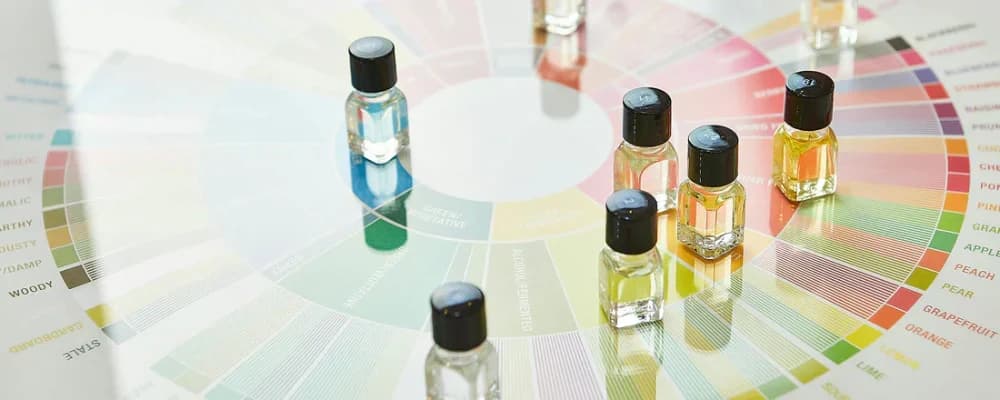
You've built a rose accord you love. You use it in three different formulas—but each time you re-enter the same six materials and percentages by hand. One typo, one rounded number, and the rose doesn't match. Or you tweak the accord in one formula and forget to update the others. Suddenly your "signature rose" is inconsistent across your line.
I kept recreating the same bases over and over—repeated work, and the results were never quite the same.
— The pain every perfumer knows
Accords are the fix: reusable building blocks you define once and drop into any formula. Same composition every time, no re-typing, no drift. This guide explains how to build and use accords so you stop repeating work and get consistent results.
Why repeated work and inconsistency hurt
When you rebuild the same base—a rose, a musk base, a woody accord—in every formula, you're doing the same work again and again. Worse, manual copy-paste or re-entry invites small errors: a 0.1% difference in one material, a rounded gram in another. The accord no longer smells the same. Your "signature" base is only consistent if the numbers are identical every time.
Updating an accord is just as painful. You improve your rose in one formula—but your other two formulas still use the old version. Now you have three different roses. Without a single source of truth, consistency is luck.
Accords as reusable building blocks
An accord is a pre-blended set of ingredients that you treat as one unit. You define it once: materials and their relative percentages inside the accord. Then, in any formula, you add "Rose Accord" at 12%—and the app expands it into the correct ingredients and amounts. One definition, many formulas. Change the accord in one place, and every formula that uses it reflects the update.
Common accord types
- Floral accords — rose, jasmine, tuberose, lily-of-the-valley reconstructions
- Woody bases — sandalwood, cedar, vetiver, oud-style blends
- Amber bases — classic amber (labdanum, vanilla, benzoin) or modern amber
- Musk bases — clean musk, animalic musk, white musk blends
- Citrus accords — bergamot-lemon-orange combinations, petitgrain blends
- Gourmand bases — vanilla, tonka, praline, coffee, chocolate
What you get
- No re-typing: define the accord once, use it everywhere.
- Consistent results: the same numbers every time, so the smell matches.
- Easy updates: change the accord once; all formulas that use it stay in sync.
- Cleaner formulas: one line "Rose Accord 12%" instead of six ingredients.
How to build an accord
Start with the ingredients and their relative percentages—just like a mini-formula. The accord should total 100% internally. Name it (e.g. "Rose Accord," "Musk Base"). Save it. From then on, you add it to formulas by name and choose the percentage in the finished product. The app does the rest: it expands the accord into its components so totals and IFRA stay correct.
Dropping accords into formulas
In a formula, you don't re-enter the accord's ingredients. You add "Rose Accord" at 12%—or 8%, or 15%, depending on the formula. The tool expands that one line into the right weights and percentages. Your formula stays readable; your math stays correct. That's the "drop in" workflow: build blocks once, reuse everywhere.
How Perfume Workbench handles accords
Perfume Workbench is built for this. Create an accord from your ingredient library—materials and percentages—and save it. In any formula, add that accord at the percentage you want. The app expands it into its components automatically; totals and IFRA use the full breakdown. Update the accord later, and formulas that use it can reflect the new version. One source of truth, no repeated work, no inconsistent bases.
Try it
Build one accord you use often—a rose, a musk base, a woody core—in Perfume Workbench. Then add it to two or three formulas at different percentages. Same accord, consistent results, no re-typing. It's the fastest way to stop recreating the same bases over and over.