Getting Started with Perfume Formulation
A beginner-friendly guide to perfume formulation: from understanding base notes and accords to using a perfume calculator and IFRA compliance.
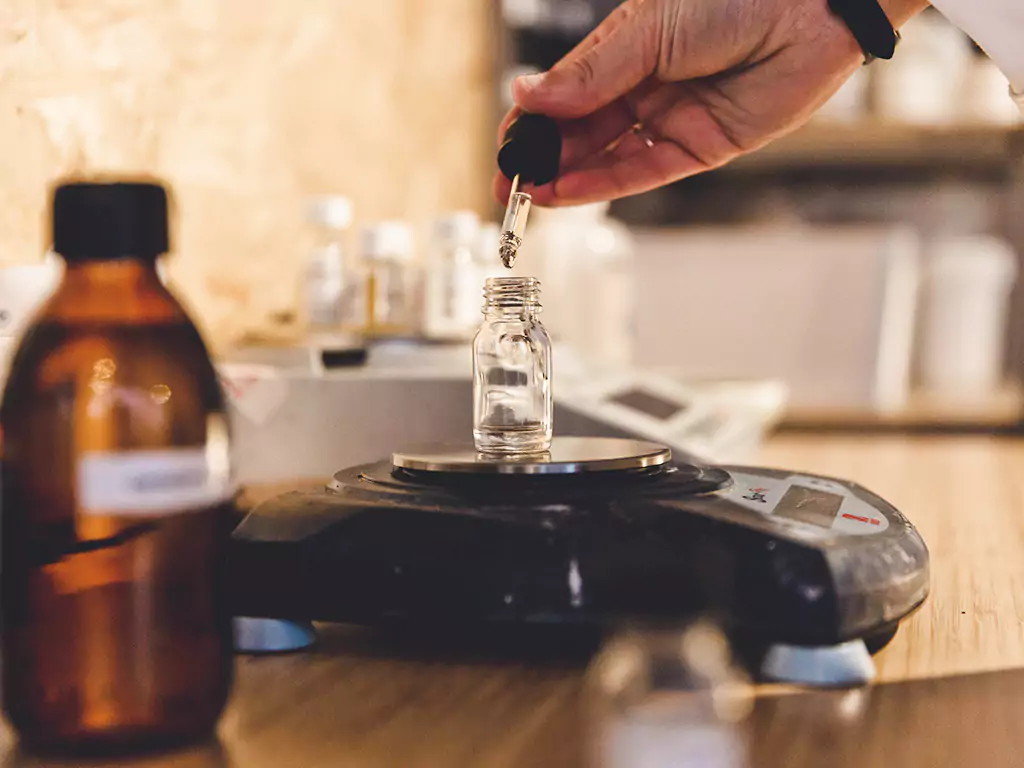
Whether you're a hobbyist experimenting at home or an aspiring perfumer building a portfolio, structuring your first formula can feel overwhelming. Perfume formulation blends art with precise science: you need to understand evaporation rates, concentration math, and safety limits while staying creative.
This guide walks you through the fundamentals and shows how a modern workspace like Perfume Workbench can handle the heavy lifting so you can focus on the scent.
Understanding perfume structure: the pyramid
Perfumes are typically built in three layers, often called the fragrance pyramid:
Top notes
What you smell first—citrus, herbs, light florals—and they evaporate relatively quickly, typically within 15 minutes to 2 hours depending on the material and concentration.
Heart (middle) notes
Form the body of the fragrance: roses, jasmine, spices. They last several hours.
Base notes
Woods, musks, vanilla, amber—provide longevity and depth and can persist for many hours or even days.
Balance is key
Too much top note and the opening can be harsh or fleeting; too little base and the fragrance disappears quickly. A common starting point for beginners: roughly 15-25% top notes, 30-40% heart notes, and 40-55% base notes—but these ratios vary widely by fragrance style. A formulation tool that lets you tag ingredients by note type helps you keep the pyramid in balance.
Why use a perfume calculator?
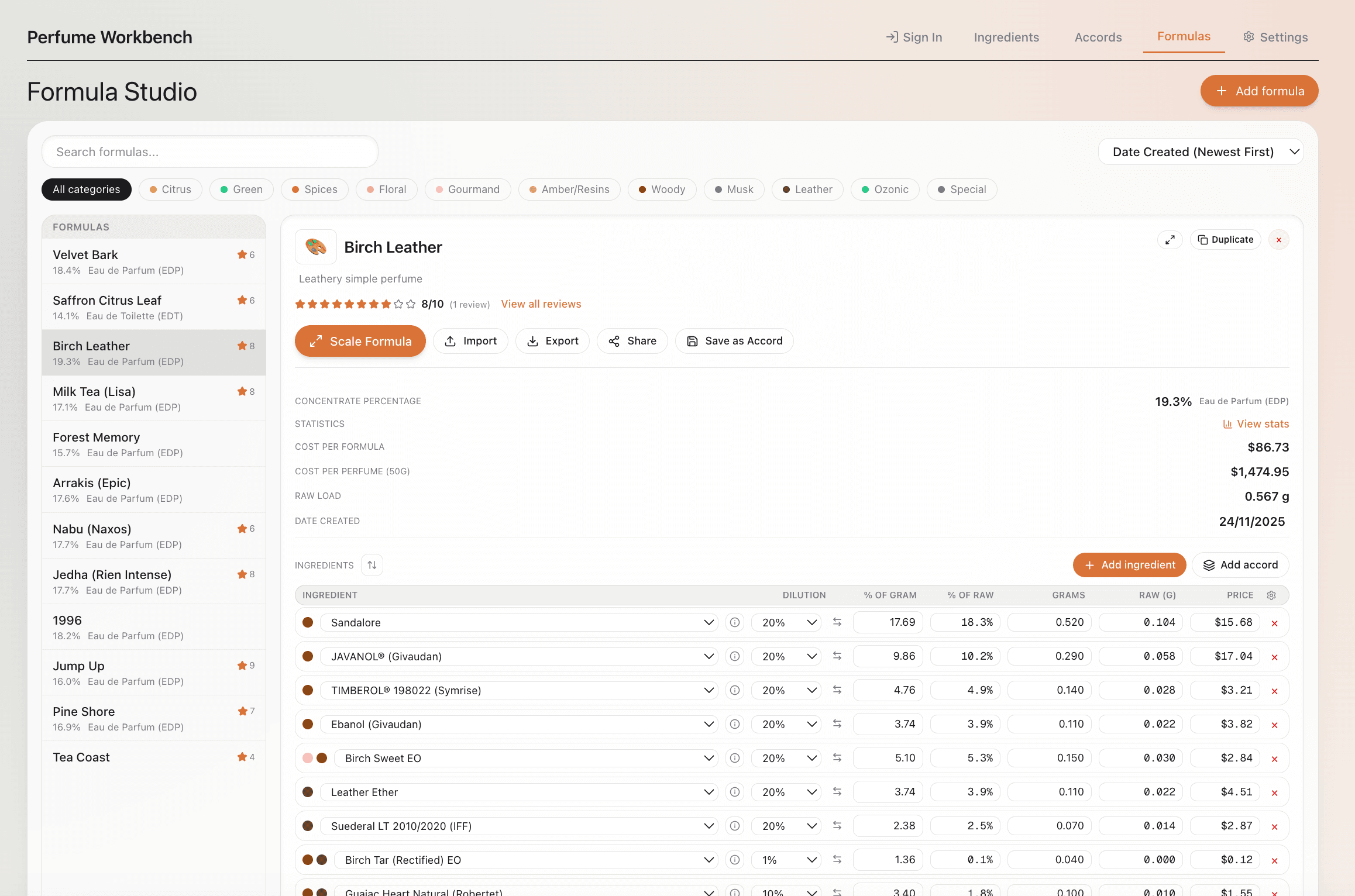
Even a simple formula involves a lot of math. You might work in percentages (e.g. 20% bergamot, 15% hedione) but scale to grams for a 10 g batch. When you change the total batch size or tweak one ingredient, every other value should update.
Doing this by hand in a spreadsheet is error-prone and tedious. A dedicated formulation tool does the math for you.
A dedicated perfume formulation tool converts between percentages and grams, scales recipes to any batch size, and keeps your ingredient library—with dilutions, prices, and IFRA limits—in one place. Change one number and the rest recalculates instantly.
Building an ingredient library
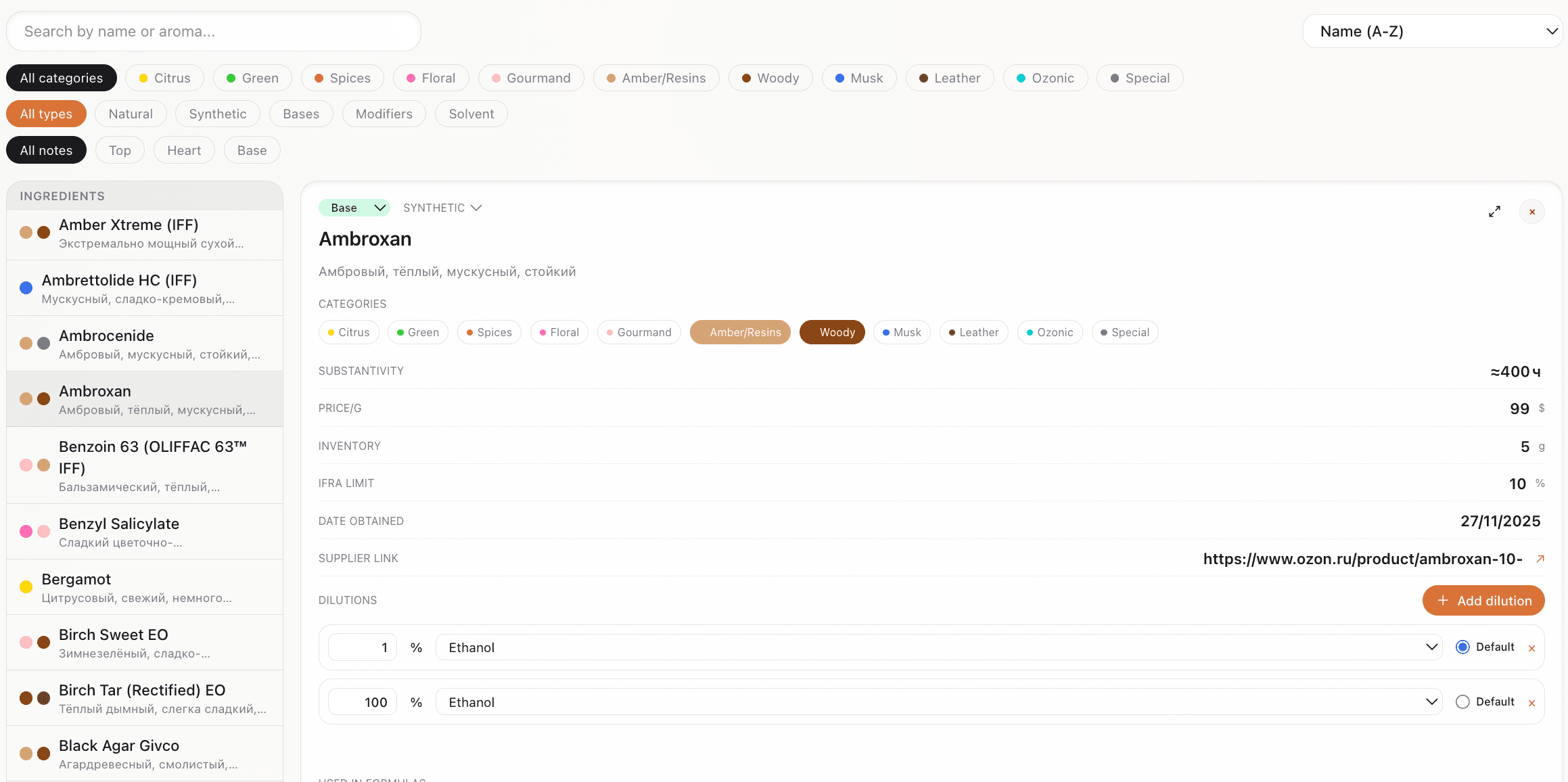
Before you can formulate reliably, you need a structured ingredient list. Each material should have:
- Name and dilution (e.g. 10% in DPG)
- Note type (top/heart/base)
- Category (citrus, floral, woody)
- IFRA limits
- Cost per gram and supplier (optional but helpful)
Getting started tip
Once your library is in place, building a formula is a matter of picking ingredients and entering either a percentage or a weight. The tool recalculates the rest and can warn you when you exceed IFRA limits.
Formulas vs. accords
An accord is a pre-blended set of ingredients that you use as a single unit—for example, a rose accord made from several aromachemicals and naturals.
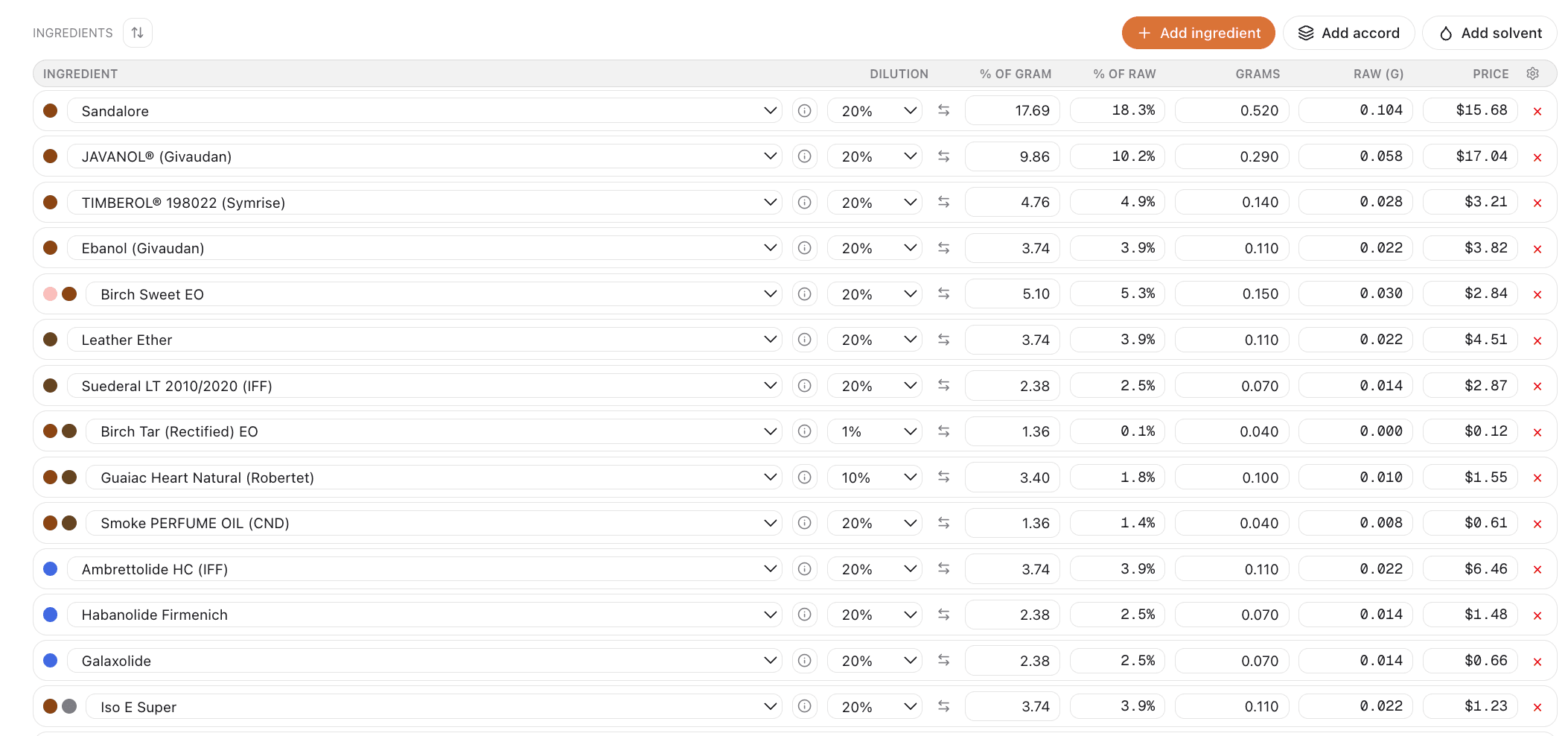
In a formula, you might add "Rose Accord" at 12% instead of listing each component. That keeps formulas readable and lets you reuse accords across many fragrances. A good formulation app lets you define accords and then drop them into formulas at a chosen percentage, with the app expanding the accord into its components for the final calculation.
Next steps
- Add your ingredients and their dilutions to an ingredient library
- Tag them by note type and category
- Build a simple accord or a full formula
- Use the built-in IFRA checks to stay within safe limits
Try the free trial of Perfume Workbench to explore all of this in one place—ingredients, formulas, accords, and version history—without switching between spreadsheets and notes.